 Vobot Recorder
Get Started
Contact SupportFrom unboxing to your first recording, follow the four steps below.
Package contents
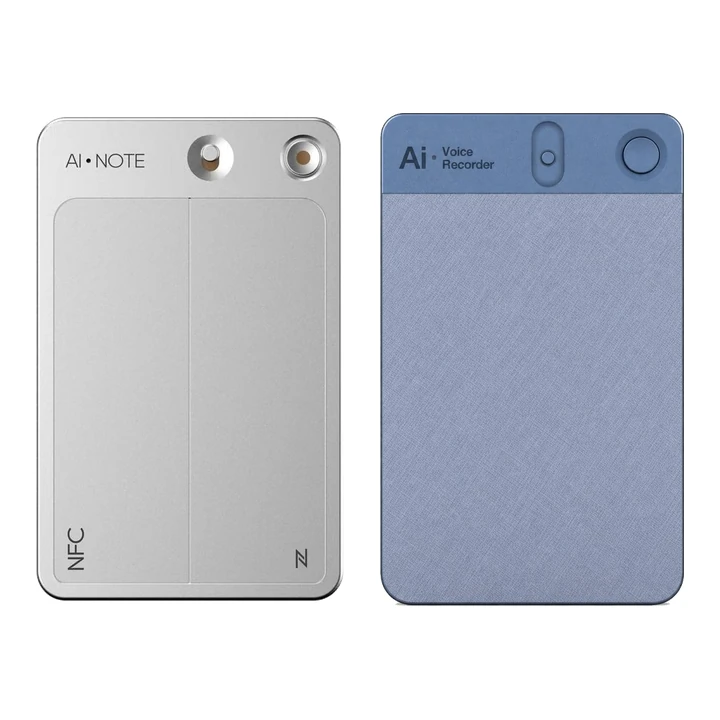
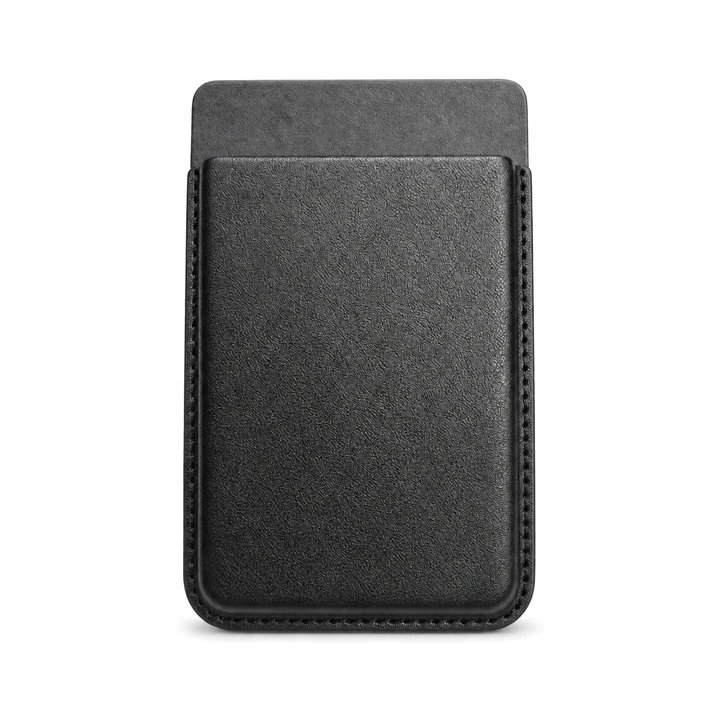
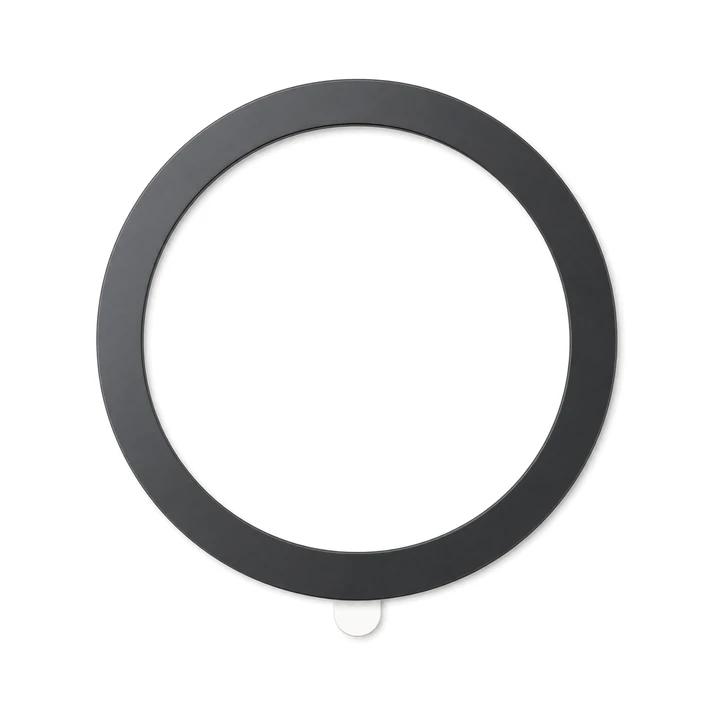
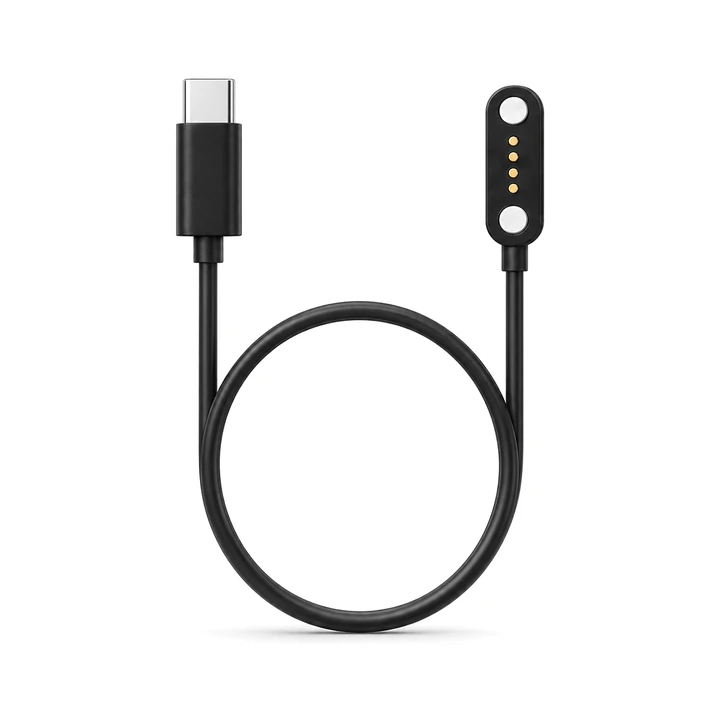
Also in the box: Quick Guide & Safety Information, with a QR code for downloading Vobot Recorder.
For how the two models look and how they differ, see Recording Card › Models.
Get started in four steps
Charge
Fully charge the card before first use. This takes about 2 hours. The connector only attaches one way round: if it won't attach, flip it 180° and try again.
Download Vobot Recorder
Download the iOS or Android version from the official website. It requires iOS 15.0 or Android 7.0 or later. You can also scan the QR code in the Quick Guide.
Wake up and pair your card
- Open Vobot Recorder, go to "Add Device", and choose your card model: V05 (AI NOTE) or V05E (NFC AI NOTE). Not sure which one you have? See Models.
- When the app prompts you, hold the record button for 1 second to wake the card. A blinking white light means the card is in pairing mode.
- Follow the on-screen instructions to finish pairing. A solid white light means the card is connected.
Pair the card in Vobot Recorder, not in your phone's Bluetooth settings.
Need help pairing? See Troubleshooting › Pairing & Connection.
Start recording
Slide the mode switch to the position you need, then hold the record button for about 2 seconds to start recording. For the difference between the two modes, see Recording modes.
Get the other person's consent before recording. Recording laws vary by region, and some require consent from everyone present.